Orbidi
The Brief
The Client
Orbidi
The Task
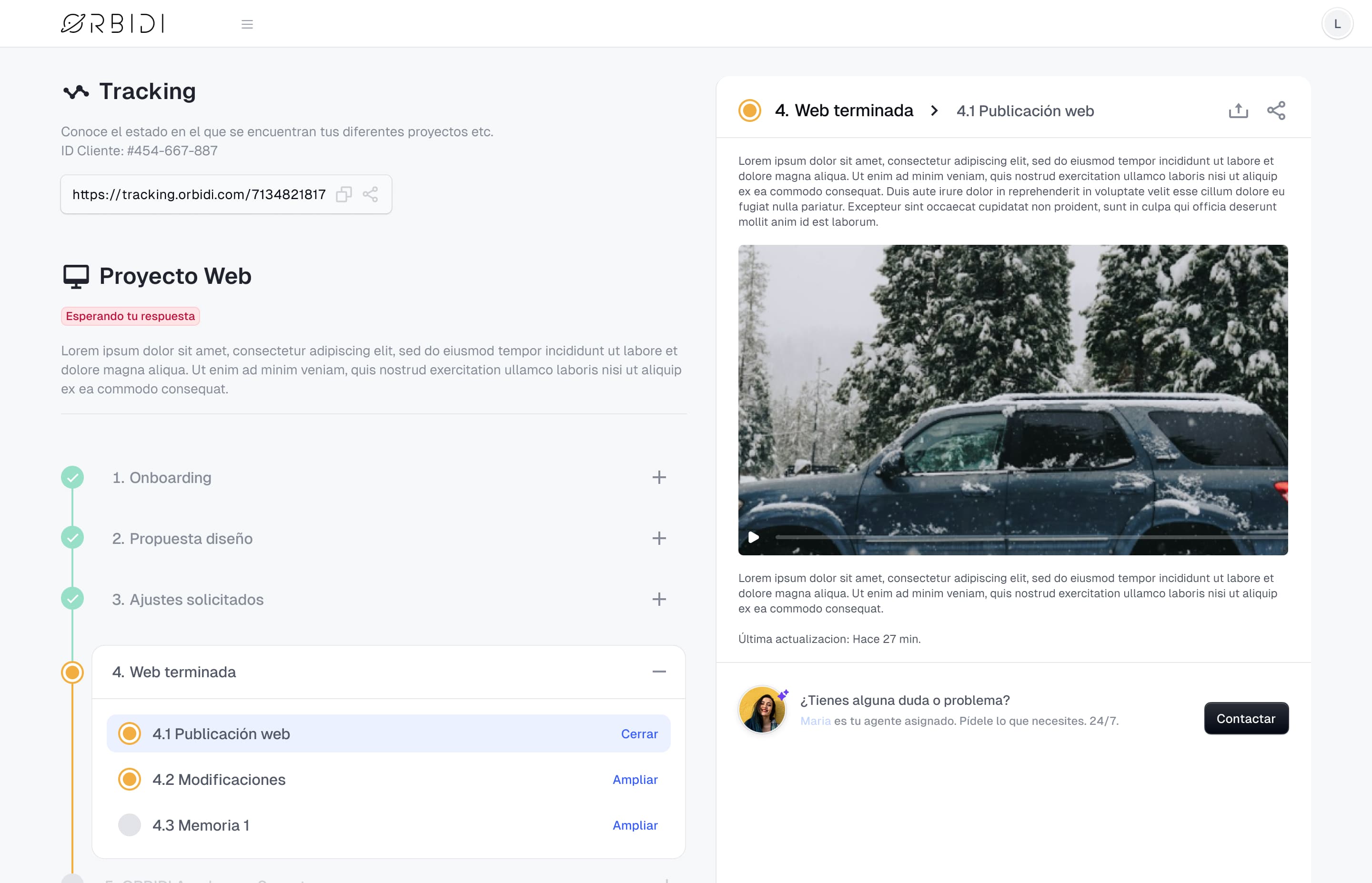
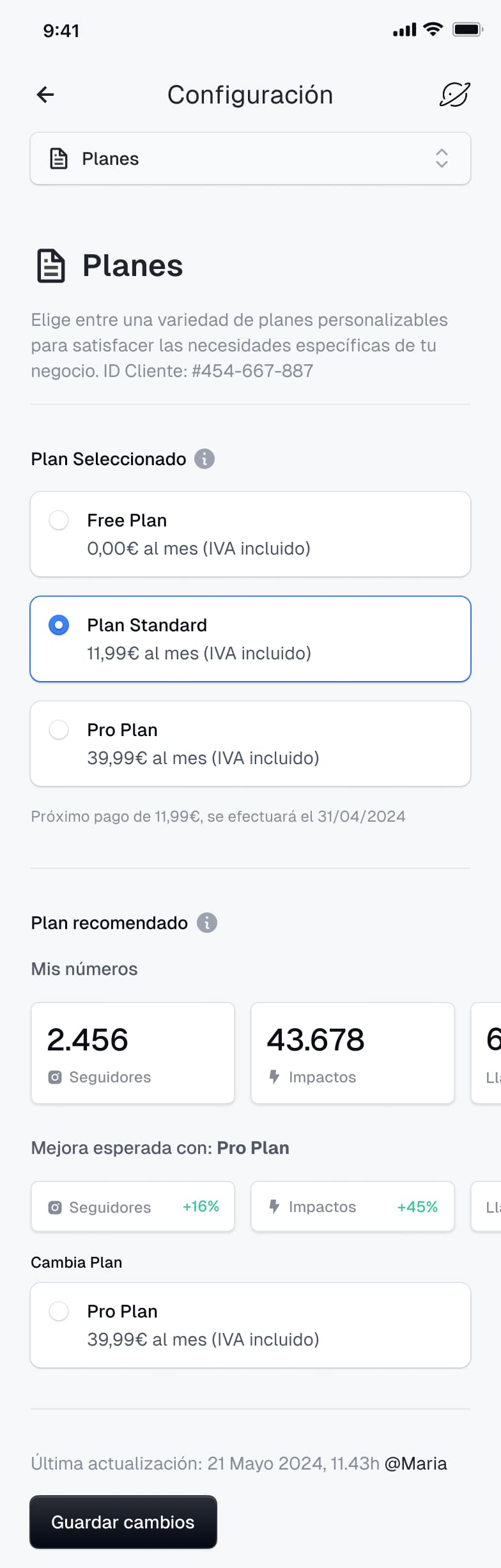
To lead the product design for the Orbidi app, creating screens and workflows for required functionalities on both mobile and desktop. The main goal is to ensure that as the application evolves, every new feature integrates harmoniously with the existing design, maintaining a cohesive and user-friendly experience.

Strategy & Design
Building a Scalable Interface
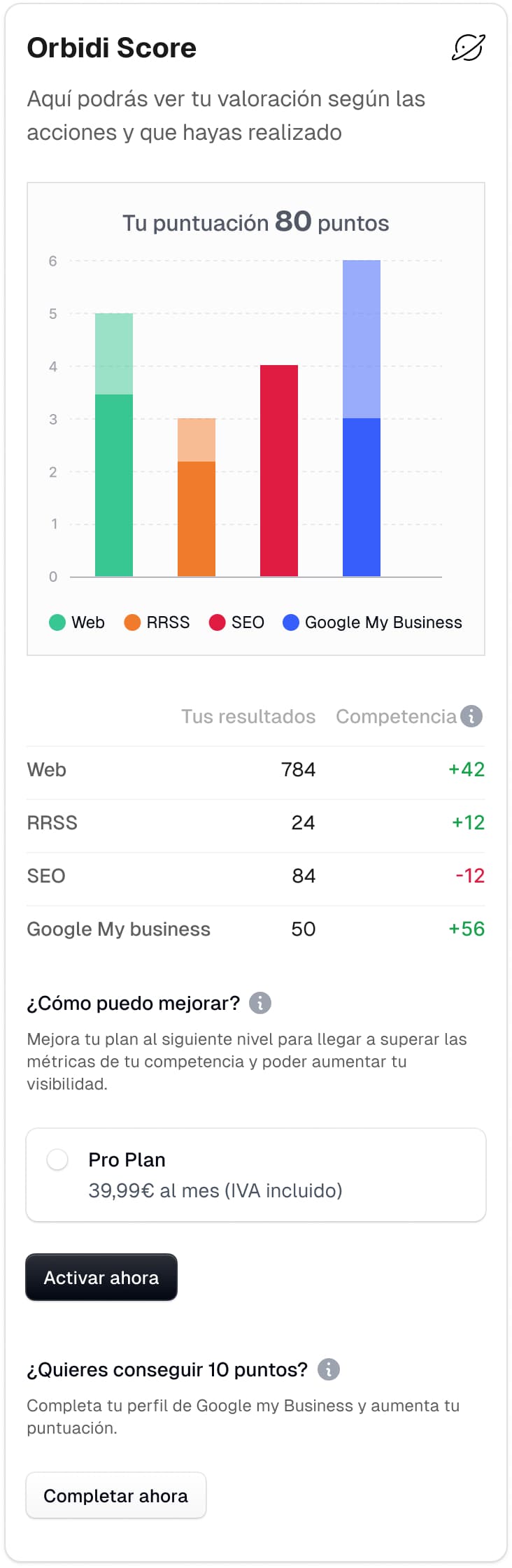
The initial challenge was an interface that couldn't effectively accommodate new features, which led to user confusion. My solution was to design new screens and define scalable patterns for each functionality, ensuring that the app could grow without compromising its intuitive feel on both mobile and desktop.
Ensuring Design Harmony with New Features
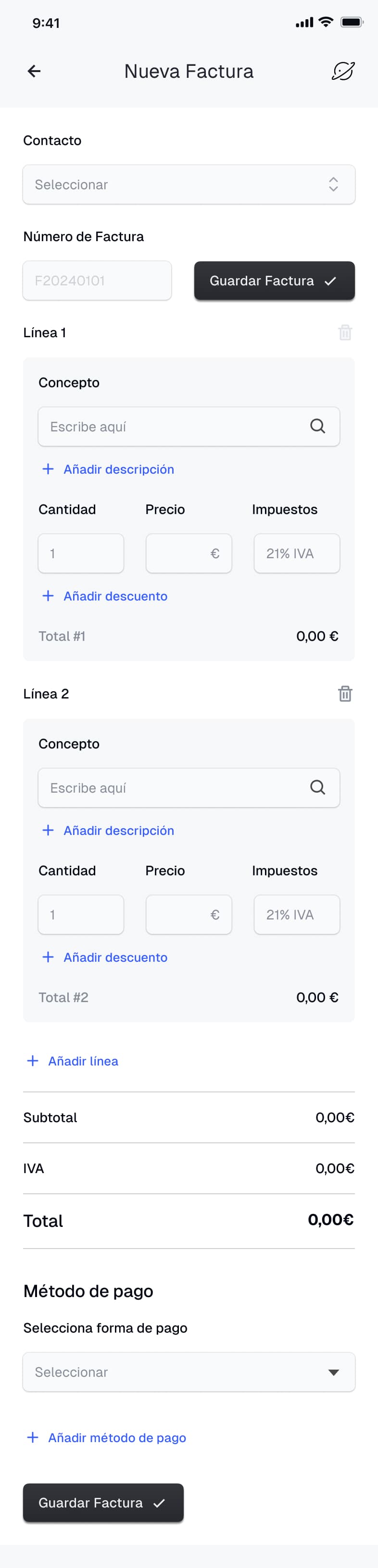
Adding new features often created a fragmented user experience. I established a process where every new requirement is thoroughly analyzed to ensure it aligns with the existing design language. This means every new element, from data dashboards to invoicing flows, feels like an intentional part of a unified whole.
Standardizing Components for Better Navigation
Users found navigation challenging due to a lack of standardized components. To fix this, I focused on generating new components based on the existing, successful elements. This approach simplified the user's journey and enhanced usability by providing a familiar and consistent interface throughout the application.
The Result
My work at Orbidi has been, above all, to prevent growth from meaning breaking things. Every new feature goes through the same filter: does it fit with what already exists, or are we fragmenting the experience? This criterion is what has kept the platform cohesive as it continues to grow.